Ever opened a podcast app, blog, or news website and spotted the term RSS but had no clue what it actually meant? You are not alone.
Even in 2026, tons of internet users hear the phrase “RSS feed” without understanding how powerful it really is.
The funny part? RSS quietly powers a huge chunk of the modern internet.
From podcasts and YouTube updates to blog notifications and news tracking, RSS helps people stay updated without endlessly scrolling social media.
In this guide, you will learn the complete RSS meaning, where the term came from, how people use it online today, and why it still matters in a world dominated by TikTok, Instagram, and AI-powered feeds.
Updated for 2026, this article breaks everything down in simple language with real examples, common mistakes, and practical tips.
What Does “RSS” Mean?
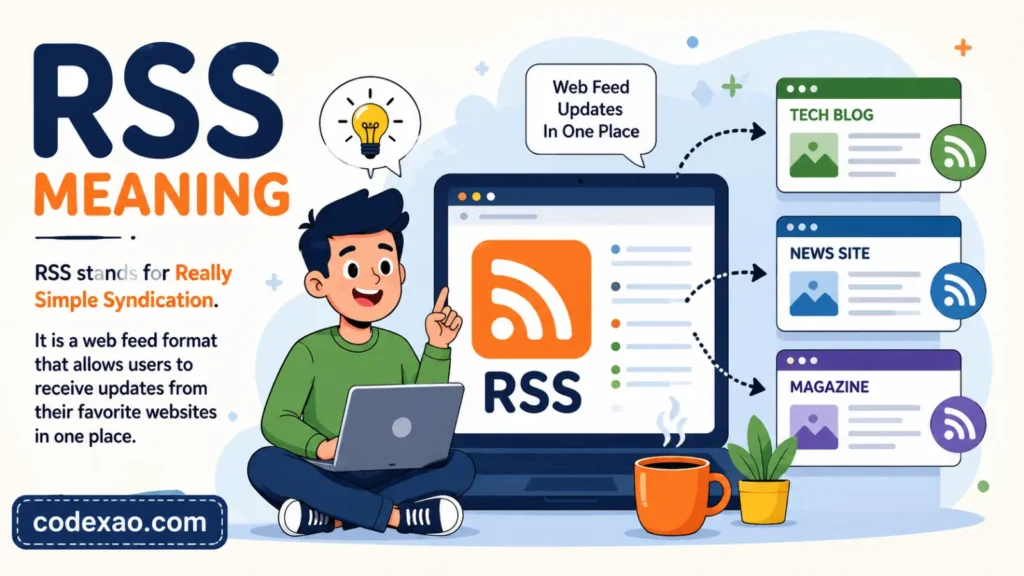
RSS stands for Really Simple Syndication. It is a web technology that allows users to automatically receive updates from websites, blogs, podcasts, and news sources in one place.
Instead of manually visiting multiple websites every day, RSS lets content come directly to you through something called an RSS feed.
Quick Answer:
RSS means Really Simple Syndication. It is a system that delivers website updates, blog posts, podcasts, and news automatically through an RSS feed reader.
Origin of RSS
RSS first appeared in the late 1990s during the early blogging era. It became popular when websites wanted an easier way for users to follow updates without checking pages manually.
The technology gained traction through blogging platforms, news sites, and podcast apps. Even today, many major publishers still offer RSS feeds behind the scenes.
How the Meaning Has Evolved
Back then, RSS was mostly associated with blogs and tech websites.
Today, RSS is used for:
- Podcasts
- YouTube channel updates
- AI content monitoring
- Cryptocurrency news tracking
- Gaming news feeds
- Reddit thread notifications
In 2026, RSS is less “mainstream buzzword” and more “internet power-user tool.”
Pronunciation Guide
People usually pronounce RSS as:
R S S
Letter by letter, not as a word.
How to Use “RSS” Correctly in Texts & Chat
Unlike slang abbreviations such as LOL or BRB, RSS is more of a tech term than a casual chat acronym. People commonly use it when talking about websites, podcasts, automation, or productivity tools.
Common Contexts
- Following blogs
- Tracking news
- Managing podcast subscriptions
- Content aggregation
- SEO monitoring
Platform Specific Usage
SMS and WhatsApp
Usually appears in tech conversations.
Example:
“Send me the RSS feed link for your blog.”
Instagram and TikTok
Rarely used casually, but creators sometimes mention RSS for podcasts or newsletters.
Reddit and Discord
Very common in tech communities, coding servers, and productivity groups.
X formerly Twitter
Users mention RSS when discussing algorithms, automation, or staying updated without social media.
When to Use RSS and When Not To
Use RSS When
- Talking about website feeds
- Discussing podcasts
- Explaining content subscriptions
- Sharing automation workflows
Avoid RSS When
- Talking to non-tech audiences without explanation
- In highly formal business presentations without context
- Using it as slang because many people still do not know the meaning
Formatting Tips for RSS
People usually write it in uppercase:
- RSS
- RSS feed
- RSS reader
Using lowercase like “rss” is technically fine online, but uppercase looks cleaner and more professional.
Common Emoji Pairings
People sometimes pair RSS with:
- 📡 for feeds
- 📰 for news
- 🎧 for podcasts
- 🤖 for automation
Real Conversation Examples Using “RSS”
Between Friends
Alex: “How do you keep up with so many gaming blogs?”
Jordan: “I use RSS feeds. Everything updates automatically.”
This shows RSS as a productivity shortcut.
In a Podcast Community
Mia: “My podcast is finally live.”
Chris: “Nice. Drop the RSS link so I can subscribe.”
Here, RSS refers to the podcast distribution feed.
In a Work Chat
Manager: “Can we monitor competitor blog updates?”
Employee: “Yeah, I’ll set up RSS alerts.”
This use sounds professional and tech-oriented.
In a Discord Server
User 1: “Any way to track Reddit updates automatically?”
User 2: “Use an RSS bot.”
RSS here helps automate notifications.
In a Family Conversation
Dad: “What even is RSS?”
Son: “Basically a news feed for websites.”
Classic generational confusion right there.
Common Mistakes & Misunderstandings
Thinking RSS Is Social Media
RSS is not a social network. It is simply a way to receive updates from websites automatically.
Assuming RSS Is Dead
A lot of people think RSS disappeared years ago. Not true.
Many podcasts, newsletters, YouTube channels, and news platforms still rely heavily on RSS technology.
Confusing RSS With Email Subscriptions
Email newsletters arrive in your inbox.
RSS feeds appear inside feed readers or apps.
Different systems. Same goal: keeping users updated.
Generational Differences in RSS Usage
Gen Z
Gen Z users often discover RSS through podcasts, AI tools, or productivity apps rather than traditional blogs.
Millennials
Millennials are more likely to remember RSS from the golden age of blogging and Google Reader.
Older Generations
Older internet users sometimes recognize RSS icons but may never have actively used them.
RSS Across Different Platforms & Demographics
TikTok
Tech creators occasionally recommend RSS for “escaping algorithms” and building a cleaner internet experience.
RSS is uncommon in captions but may appear in creator or podcast bios.
Discord
Very popular among developers, gamers, crypto communities, and automation enthusiasts.
RSS remains huge in niche productivity and tech subreddits.
Professional Settings
RSS is generally considered safe for work and professional when discussing content monitoring or automation tools.
Why RSS Still Matters in 2026
People are getting tired of algorithm-heavy feeds.
RSS offers:
- More privacy
- No endless scrolling
- Faster news access
- Better productivity
- Less algorithm manipulation
That alone explains why RSS quietly survives while dozens of trendy apps disappear every few years.
Related Slang, Abbreviations & Alternatives
| Term | Meaning |
|---|---|
| Feed | Stream of updated content |
| Podcast Feed | RSS feed used for podcasts |
| Aggregator | Tool that collects content from multiple sources |
| Atom | Alternative web feed format |
| Newsletter | Email based content subscription |
| Push Notification | Instant app alert |
| API | System allowing apps to exchange data |
| Webhook | Automated event based notification |
| Syndication | Republishing content across platforms |
| Subscription | Following updates from a creator or site |
Similar Terms
- Content feed
- News feed
- Update stream
- Auto subscription
Opposite Concepts
- Manual browsing
- Checking websites individually
- Algorithm-only discovery
FAQs:
What does RSS stand for?
RSS stands for Really Simple Syndication. It is a technology that automatically delivers website updates, blog posts, podcasts, and news to users through feed readers or apps.
Is RSS still used in 2026?
Yes. RSS is still widely used for podcasts, news tracking, blogging, automation tools, and content monitoring. Many creators and professionals rely on it daily.
What is an RSS feed?
An RSS feed is a file generated by a website that contains its latest updates. Feed readers use this file to display new content automatically.
Is RSS free to use?
Most RSS feeds and feed readers are free. Some advanced productivity tools offer paid features, but basic RSS access is usually free.
What apps use RSS?
Many podcast apps, news aggregators, productivity platforms, and automation tools use RSS behind the scenes.
Why do people prefer RSS over social media?
RSS gives users direct content updates without ads, algorithms, or endless scrolling. It is cleaner, faster, and more private than many social platforms.
Conclusion:
RSS meaning might sound technical at first, but the concept is surprisingly simple. It is basically the internet’s quiet delivery system for updates.
Instead of chasing content across dozens of websites, RSS brings everything together in one organized place. Blogs, podcasts, news, YouTube uploads , all streamlined.
And honestly? In an era full of chaotic algorithms and attention-hungry apps, RSS feels refreshingly calm.
Got a favorite internet abbreviation or tech term you want explained next? Drop it in the comments and keep exploring more digital slang and online language trends.

Hi, I’m John Mark, the voice behind codexao.com, where meanings aren’t just explained, they’re simplified for the way people actually talk today.
I’ve always been curious about words, how they change, how they trend, and how a simple phrase can carry completely different meanings depending on context. That curiosity turned into codexao, a space where I break down slang, text abbreviations, and everyday words into clear, easy-to-understand explanations.